You know you’ve got a client booked for 9:00 a.m., so you top off your coffee and get ready to greet them. But when their appointment rolls around, they’re nowhere to be found. You wait until 9:05… 9:10… 9:15… still nothing. You’ve just had another no-show — goodbye, income.
Sound familiar? There’s nothing more frustrating than having clients cancel on you or, even worse, just not show up. But they’re probably not ghosting you on purpose — at least, not all of them. They may have just forgotten that they made an appointment or mixed up the days.
Automatic appointment reminders can help refresh your clients’ memories and encourage them to show up. Here’s everything you need to know about using these simple notifications for your business.
The Growing Importance of Appointment Reminders
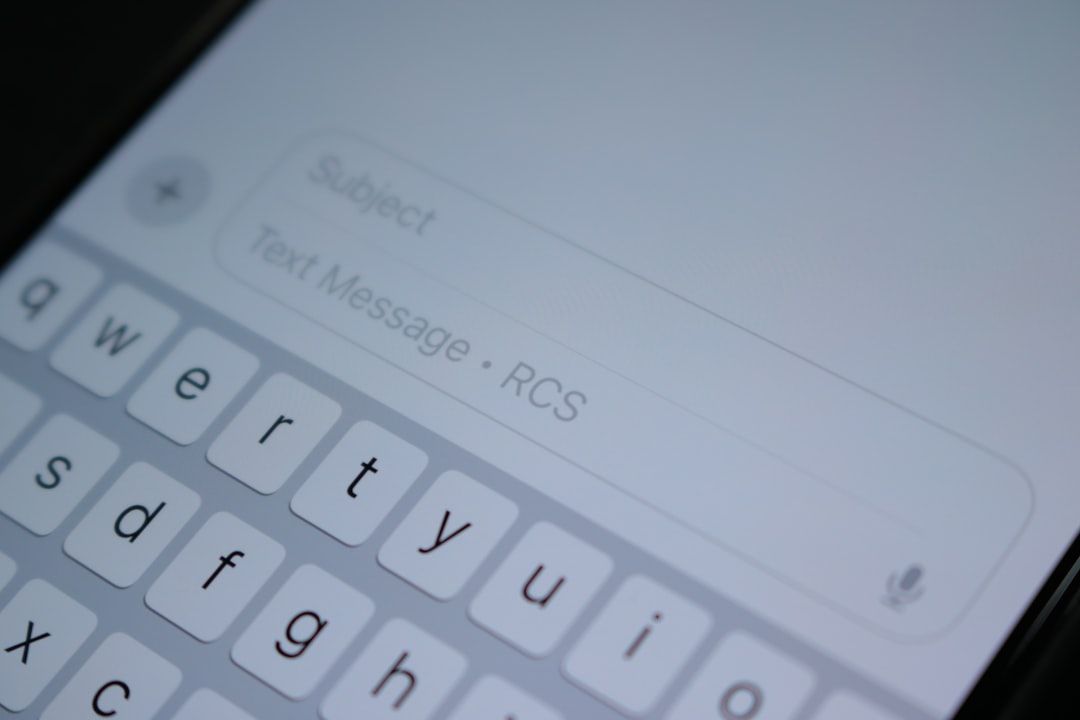
With the rise of online booking, more and more businesses are sending appointment reminder messages. You might get an SMS reminder from your dog groomer — “Can’t wait to see Lucky tomorrow at 10:30 a.m.!” — an email from your mechanic, and so on.
These friendly nudges are essential in our busy times. They remind clients that they’ve scheduled something so they can follow through. Otherwise, it’s all too easy to get stuck on autopilot and miss a 2:00 p.m. haircut.
Reminders protect your bottom line, too. Sure, the occasional cancellation gives you a chance to catch up on other work, but too many can put a serious dent in your revenue.
Benefits of Appointment Reminders
Busy businesses often book up weeks or even months in advance. Reminders can boost your show-up rates by helping clients remember that yes, they did schedule that oil change three weeks ago.
These messages also give clients an opportunity to cancel or reschedule in advance. That way, you can reopen those slots on your online calendar or offer them to people on your waitlist. It’s an easy way to reduce unproductive downtime and keep the revenue flowing.
Timely reminders help your business operate more efficiently, too. When clients show up late, it can throw off your entire schedule and stress out everyone involved. By jogging their memories ahead of time, you can keep everything moving smoothly.
Categorizing Appointment Reminder Tools
Theoretically, you could pull up your schedule every week and call all your clients one by one with reminders. But that could be incredibly time-consuming, especially if you have a lot of clients. Plus, you’d need to constantly check your calendar for updates — all while trying not to forget who you’ve already talked to.
Save yourself the hassle by investing in an appointment reminder solution. There are several types of software, including:
- Web-based apps: These tools run in your browser and typically link to your booking system. Whenever you add an appointment to your online calendar, the web app will automatically schedule reminders.
- Mobile solutions: These work on your phone or tablet and work the same way as web apps.
- Hybrid systems: You can access this software on any device, giving you more freedom to manage your schedule. For instance, Optimize Digital Marketing's Service CRM lets you send automatic text reminders from your computer or phone.
Key Features to Look for in Reminder Tools
Not all appointment reminder software is created equal, so take the time to explore your options. The best tools include these must-have features:
- Custom messaging: A generic “see you at noon” reminder might work in some circumstances, but not all. Look for a platform that lets you customize the message for different types of appointments or clients. For example, reminders for first-time visitors could include detailed directions to your business. Or you could write reminders in your brand voice or even use quirky puns — “We hope you’re ready to SPRING into our office tomorrow at 3:15 p.m.!”
- Ability to send reminders on multiple channels: Some clients prefer SMS reminders, while others would rather get emails or push notifications. Having a few communication options will increase your chances of reaching everyone.
- Integrations: Your appointment management system should be compatible with your calendar and CRM system. Otherwise, you’ll need to enter all your upcoming appointments into two platforms — doubling your workload.
- Appointment reminders templates: Some tools have convenient layouts and workflows that you can use to set up automated messages. That way, you don’t have to waste time learning how to add a rescheduling link or coming up with the right words.
Enhancing Customer Satisfaction Through a Reminder System
Appointment reminders for clients are a highly effective way to build loyalty. Just think about it — would you rather go to a business that helps you plan ahead, or one that lets you miss important appointments?
These messages can also streamline your client interactions. Anything can derail a customer’s plans — like a sick pet or a burst pipe that’s turned their basement into a lake. If your reminder has a link to reschedule or cancel, they can just change their booking themselves.
Plus, timely reminders help you deliver a smoother, more pleasant experience. Without them, you might have clients show up at the wrong times, causing a cascade of frustrating delays for everyone else on your schedule.
Boosting Business Success with Appointment Tools
People love routine, so it’s easy to accidentally overlook meetings and service bookings. Appointment reminder tools can help you break through the humdrum of everyday life and remind clients that they’ve reserved time with you.
While there are plenty of notification apps available, many businesses prefer the convenience of an all-in-one solution. Optimize’s customer relationship management (CRM) software lets you handle all your client activities in one place.
One major
CRM software benefit is the ability to automate your scheduling tasks. Use Optimize’s platform to set up online booking so your clients can set up appointments whenever they like. Then, you can send automated reminders to keep them in the loop — no more pesky no-shows (or at least, not as many).
Appointment reminders are not the only way that Optimize can help you improve your services.
Contact us today to learn more about how you can take control of your schedule with our convenient CRM solutions.
FAQs
How do you politely remind someone of an appointment?
Sending notifications might feel a bit... pushy. Disruptive, even. However, it’s actually more rude not to notify your clients about their reservations.
Just one or two nudges are usually enough to get people to show up or reschedule, so don't go overboard. And keep your messages pleasant. You want clients to feel welcomed and excited about their appointment, not bullied or nagged.
How can I send an appointment reminder for free?
Apps like Google Workspace and TextSpot allow you to send a handful of reminders for free. However, you’ll likely need a paid platform if you have a lot of clients or want advanced features like custom messaging.
Are appointment reminders allowed under HIPAA?
Absolutely! Just make sure that your messages don’t include any confidential health information. For example, “You have an appointment scheduled for 3:00 p.m. on Tuesday” is fine, but “We’ll see you at noon for your mammogram with Dr. Fuller” is a
HIPAA violation.
Can Google Calendar send appointment reminders?
Yes. Google Calendar allows users to set up a booking page and send automatic email reminders. However, this platform doesn’t offer push notifications or SMS reminders.