Google is often one of the first places customers go when they’re searching for products or services. And more than 90% of customers search for local businesses online at least once per month.
If you want to make sure your business appears in the top results when customers conduct these searches, you need an optimized Google My Business page. Use this guide to Google My Business optimization to help improve your business’s search rankings.
Creating and Claiming Your Google Business Profile
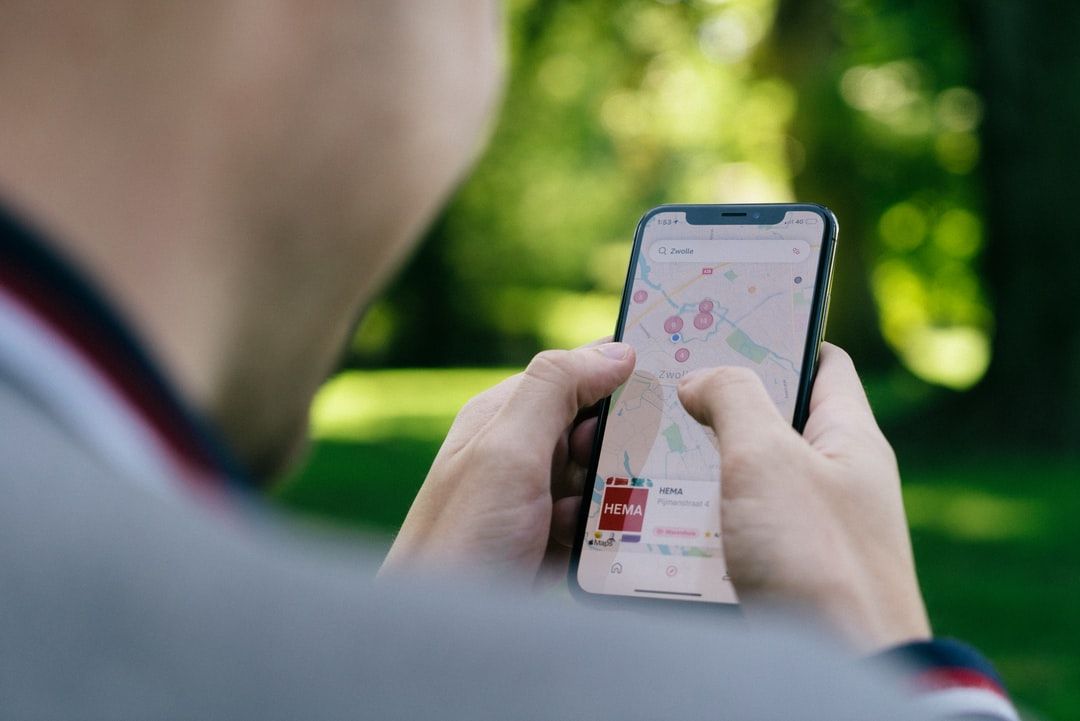
Google My Business, now called Google Business Profile, gives you a free business listing that appears in Google Maps and Google's search results. As a business owner, you can create or claim the listing for your business. Once you claim your Business Profile, you can customize and enhance your page to improve your search engine optimization (SEO).
If someone has already created a listing for your business, open Google Maps and find your listing. Then, select it and click “Claim this business.” Follow the steps on the screen to confirm that you're the owner through one of the verification options.
If there's no listing for your business yet, you can create one. Sign into Google Maps and select “Add your business” in the menu. Follow the steps on the screen to sign up for your Business Profile. You’ll need to add your company's name, address, and business hours.
Once you complete these steps, you can then optimize your Google Business Profile so it appears in relevant searches.
Consistent NAP (Name, Address, Phone Number) Info
Once you have your Google Business Profile in place, it’s time to tackle the basics. You need to make sure you have consistent NAP details everywhere. And no, that doesn’t have anything to do with getting extra sleep.
NAP refers to your business's name, address, and phone number. This information should be identical everywhere it appears online. Check your Google Business Profile to make sure the NAP details are accurate and exactly the same as on your website. You should also check all other localized directories to ensure total consistency.
Having consistent details across these pages helps customers find accurate information and makes your business appear more trustworthy. You don’t want to risk an interested customer stumbling upon the wrong business location and not being able to complete a purchase.
Utilizing Categories and Attributes
One of the other details you need to add to your Google Business Profile is the category your business fits into. That way, when local customers search for businesses in that category, your business will appear in the search results.
You can’t create your own category, but Google offers thousands of options to choose from. Select the most specific category that accurately fits your business. For example, a law firm that works on personal injury cases should use the “personal injury attorney” category rather than simply "law firm."
Beyond the primary category, you can also add up to nine additional categories that fit your business. Try to select categories that match the relevant keywords potential customers might search to find businesses like yours.
Add More Photos Than Your Competition
People don’t just read the text in your Google Business Profile — they also rely on your photos to learn more about your business. Generally, a profile with at least a few high-quality, relevant photos is much more appealing to customers than one without images. So what kinds of pictures should you add?
Some relevant photo ideas include:
- Interior photos of your business’s physical location
- Exterior photos of your storefront and parking lot
- Product photos
- Photos of your employees in action
- A team photo
- An image of your brand logo
Think about what else potential customers might like to see and add high-quality pictures that cover those bases. These images will help customers better understand your business and what you have to offer, setting you apart from the competition.
If you’re not an expert photographer, turn to Optimize Digital Marketing for help. We have an extensive network of local photographers all across the U.S., who are always ready to help you out with a photo shoot.
Respond to Your Reviews
As you’re learning how to optimize your Google My Business page, another easy step to take is to start responding to reviews on your listing. With positive reviews, you can thank the customers for sharing their experiences. With negative reviews, try to address the customer’s problem by proposing a specific solution.
Responding to positive and negative reviews is a big part of online reputation management. It shows browsing shoppers that you’re engaged and committed to customer service. You may also want to encourage your existing customers to leave reviews to help boost your listing.
Creating Engaging Posts
Many business owners don’t realize that you can regularly update your Google Business Profile with posts, similar to social media pages. Consistently posting can boost your search engine optimization for Google My Business and help draw in customers.
Consider posts like:
- Special offers
- Upcoming event announcements
- Spotlight on new products or services
- General updates about your business, like closures or changing business hours
Leveraging Google Business Profile Insights
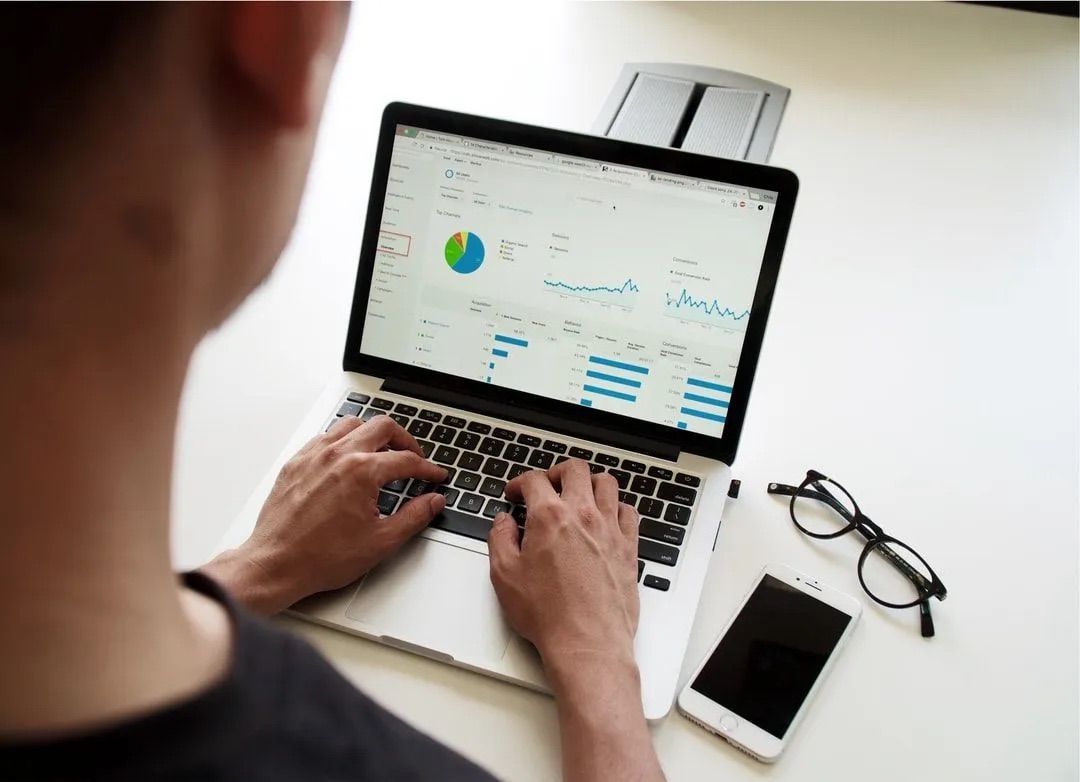
Your Google Business Profile also comes with a free analytics dashboard. On this dashboard, you can see what customers are searching for to find your listing, how they interact with your page, and how well your photos are performing, among other insights.
Use this information to better understand your customers and fine-tune your page for better results. For example, if your photos aren’t performing well, you may need to replace them with more relevant or higher-resolution alternatives.
Google Business Profile Assistance
Setting up and optimizing your Google Business Profile can be intimidating. Rather than trying to tackle it all yourself, rely on Google My Business optimization services from Optimize Digital Marketing. Our setup team has plenty of experience, and we include a full GMB cleanup in our core package, so
reach out to us for help.