Connecting with local customers is key to your business's success. But how do you do it effectively? Try Nextdoor.
Discover how to post on Nextdoor to promote your business and increase engagement from local customers.
What Nextdoor Is and Why It Matters for Local Businesses
Nextdoor is a social network specifically for your local neighborhood. It’s an app where people in the same area can share information relevant to their communities, such as:
- Recommendations on local businesses
- Updates on local news
- Items for sale
- Safety alerts
- Posts about lost pets
- Details about local events
As a business, you can use Nextdoor as a new marketing channel to connect with customers who are right near your physical location(s).
Local social media marketing like this ensures nearby customers who are much more likely to engage can actually find your business and make a purchase. That’s why Nextdoor is different from platforms like Facebook and Instagram, and even from other
directory listings.
On global social media platforms, you can reach wide audiences, but how many of them will actually buy something from your business? Even if you narrow your campaigns to a specific geographic area, you’re probably still spending more and looping in extra users who aren’t your target customers.
Nextdoor gives you access to a local-only audience. Users must verify their addresses to join, so you know everyone seeing your posts is actually in your neighborhood. They’re more likely to trust promotional Nextdoor posts, too, since they’ll know the content is from real businesses in their area. Plus, you can’t post anonymously on Nextdoor (though you can hide part of your name for privacy), ensuring even more authenticity.
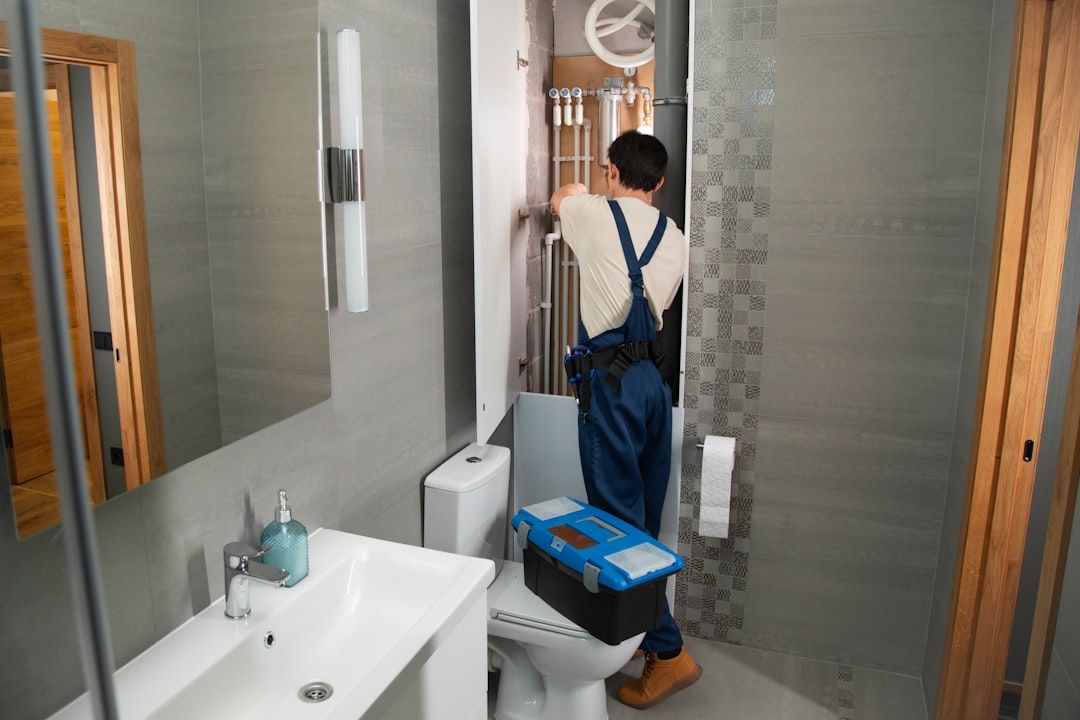
Local marketing on Nextdoor is beneficial for businesses that rely on in-person shopping, like home services, auto body shops, and certain retail brands. Boost foot traffic to your business by getting on Nextdoor, while also improving your local
reputation management.
Setting Up Your Nextdoor Business Profile
The first step to posting on Nextdoor is setting up your business profile. You can claim your Business Page for free by making an account.
Follow these steps:
- Head to
Nextdoor.com/business.
- Search for your business with your business name and address.
- Select your business from the list of results, even if some of the details are incorrect. You can update them later.
- Claim the page for a business (if you’re operating under a business name) or an individual (if you’re operating under your own name).
- Verify your business location on Google Maps.
- Verify that you are the business owner by answering a call from Nextdoor to your business phone number. You’ll have to enter a two-digit number you see on the Nextdoor webpage over the phone.
Once you’ve claimed and verified your Business Page, you can optimize it. Make sure your business name, address, and phone number (NAP) are the same across all your online listings across
top local business directories. This
NAP consistency will improve local search engine optimization (SEO) and customer trust.
Add a logo and additional brand images to your page to help make your business more recognizable, too. Verify that all of the following are accurate and correct as needed:
- Contact information
- Service hours
- Service area
- Business categories
Taking the time to correct these details will make it easier for potential customers to find and engage with your business. Make sure you learn details like how to find your posts on Nextdoor and how to delete a post on Nextdoor, so you’re ready to go.
The Main Types of Posts That Work on Nextdoor
When your page is claimed and optimized, it’s time to make your first posts. Try to stick to the types of posts that perform well on Nextdoor as you craft your
social media management strategy.
General Updates/Announcements
If there’s anything new your customers need to know about your business, update them in a Nextdoor post. For example, you could post about updated holiday hours, unexpected closures, company milestones, and new hires.
- “We’re celebrating 50 years in business this Friday, so come celebrate with us!”
- “Updated hours: We will be closed January 1 and 2, 2026, for New Year’s, then resume normal hours on January 3.”
- “Please welcome our newest hire! Meet Jane, our Managing Director.”
Local Deals and Offers
If you’re running any promotions or deals, share them on Nextdoor, too. For example:
- “30% off all new appointments to celebrate Memorial Day weekend!”
- “Free gift available with purchase for the first 50 customers at [store] this Friday.”
- “Refer a new customer and get your next oil change free through December 31.”
Events (Workshops, Seasonal Promotions, Charitable Events)
Running or participating in local events is a great way to connect with community members and humanize your business. It’s much more effective if more of your local community knows about the event, though. That’s why you should include the details in a Nextdoor post like these examples:
- “Join us on Saturday at our store for a free workshop!”
- “Get your tickets to the charity concert we’re running with our partner, [charity name] here [link].”
- “Check out our booth at the town parade this Friday at 5 p.m. We’d love to see you there!”
Sharing these types of posts can also boost your
local search visibility.
Best Practices for Tone, Content, and Community Guidelines
Before you publish your post, make sure it follows these best practices to maximize the impact of your Nextdoor marketing strategy:
- Keep your tone conversational and focused on the community first, not direct promotion for your business.
- Avoid overly salesy language that comes across as pushy or aggressive.
- Incorporate photos or videos into your posts to increase engagement, making sure the visual content is high-quality and relevant to the accompanying text.
- Post regularly. Try to share new posts at least once a week to keep your business on local customers’ minds.
- Keep your posts relevant. Only post about topics that affect local customers, and try to provide helpful information.
Measure Performance and Improve Your Strategy Over Time
There’s always some trial and error when developing a marketing strategy for a new platform. As you start posting, track your posts’ performance. Pay close attention to the kinds of posts that perform well versus the ones that don’t seem to gain traction.
Specifically, monitor metrics that matter, such as:
- Views
- Clicks
- Reactions
- Messages
If you see a certain type of post consistently getting more engagement than the rest of your content, try to share more posts like that. Test out different image variations and posting times to figure out what yields the best results.
It will take some time, but fine-tuning your Nextdoor strategy will ultimately lead to more engagement from your community — and more sales.
Grow Your Local Presence by Partnering With Optimize Digital Marketing
If you’re not already posting about your business on Nextdoor, now is the time to start. Strategic posting on Nextdoor will help you build trust, increase visibility, and connect with nearby customers.
You don’t have to do it alone, either. At Optimize Digital Marketing, our experts have extensive experience leveraging social media platforms to promote local businesses. We can walk you through how to post on Nextdoor effectively, and even little things like how to find bookmarked posts on Nextdoor.
This professional support may be just what you need to take your business to the next level. Explore
social media management from Optimize Digital Marketing today.