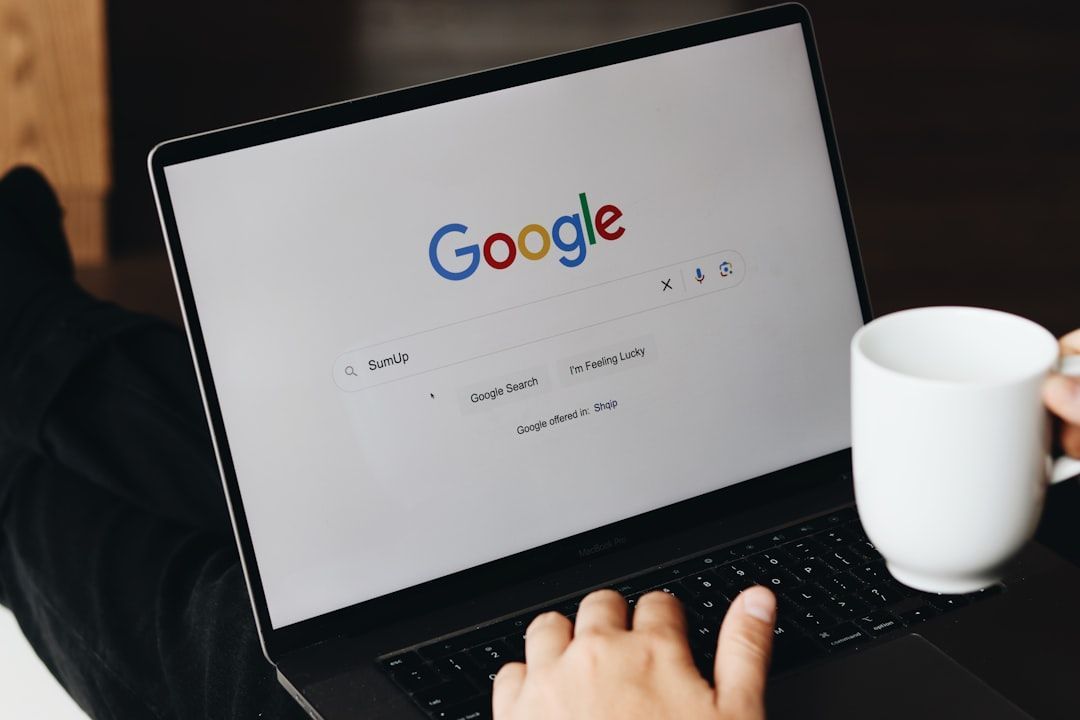
About 80% of customers in the U.S. search for local businesses at least once a week. Local customers near you are likely looking for businesses like yours right now.
But how do you boost your visibility in these searches? By creating location pages.
Location pages are web pages that cover the services your business offers in a specific place or region. Learn how to create effective location pages to boost your local search rankings and bring in more customers.
Why Location Pages Are a Game Changer for Your Business
Customers often don’t know what businesses are in their area or what services they offer. So, when they need to find a local auto repair shop, jeweler, catering company, or anything else, they search online.
These searches may look like:
- Dentist near me
- Gas station open now
- Plumber in X town
- Parking near Y location
- Local car repair shop
Your website and Google Business Profile hopefully already include your business’s location and the services you offer. Google may show customers making these searches your business based on that information. You can strengthen your odds of ranking in these local searches, though, by creating location pages.
Location pages are specifically optimized to help your business rank for searches with local intent. For example, an auto repair shop operating in Harrison, NY might create a location page titled “Harrison NY’s Trusted Auto Repair Shop” or something similar.
Next time a customer in the area searches for a local auto body shop, this business might pop up. The business will then be one step closer to connecting with customers who are showing local purchase intent. They want to purchase a product or service, and they want to do so from a business that’s actually in their area.
When Do You Need Location Pages?
Location pages are useful whether you just have one physical location that serves a broader service area or you have multiple locations. If you have multiple locations, create a unique page for each location and incorporate specific local details when possible. If you have one service area, you can still create multiple pages. Just use different key towns within your service area as part of your keyword.
For example, “Best Hairdresser in the Tulsa, Oklahoma area” vs. “Highly-ranked Hairdresser in Tulsa, Oklahoma.”
The Must-Have Technical Elements for Local Rankings
The goal of publishing location pages is to rank highly in search engine results pages for local searches. It’s not enough to write compelling content tailored to your local area—you have to back that up with technical SEO to boost the location pages' rankings.
Focus on these technical SEO essentials:
- Mobile optimization: Make sure your page is optimized for mobile devices using a responsive design. The text should be easy to read on smaller screens, buttons should be large and easy to tap, and there should be plenty of white space.
- Simple URLs: Use logical and descriptive URLs that help search engines understand what’s on the page.
- Schema markup: Implement schema markup to help search engines understand your content as structured data. Schema markup makes your location pages for highly visible search features like star ratings and product prices.
- Keywords:
Incorporate keywords related to your location and business type in the title, headers, and body of your location page. Use tools like Google Keyword Planner, Semrush, and Ahrefs to help find these keywords.
- Maintain
NAP consistency:
Your business name, address, and phone number (NAP) should be the same on every location page and in every online
directory listing for SEO. Double-check that there are no errors to ensure customers don’t get confused and search engines trust your business more.
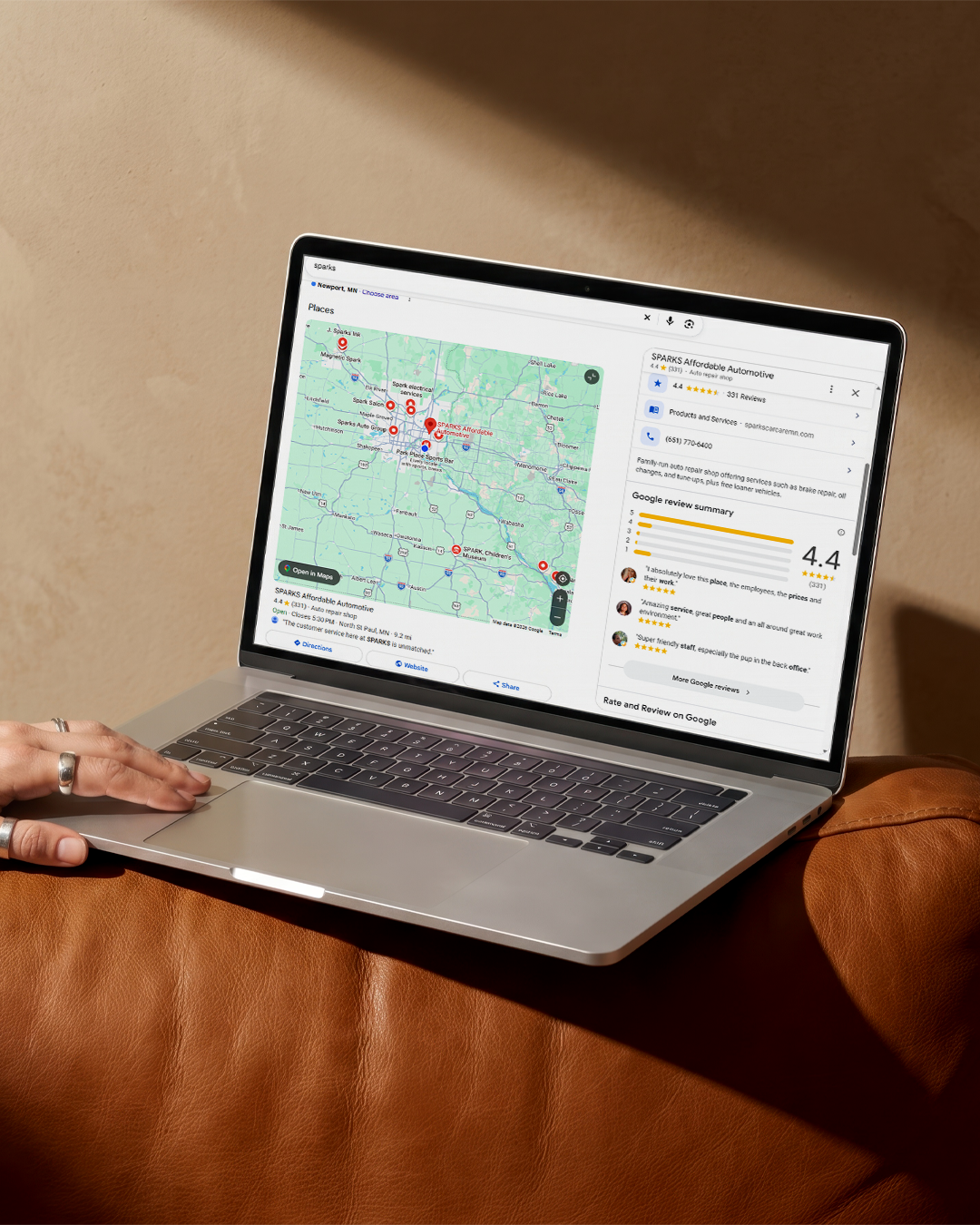
Remember to link your location pages to your Google Business Profile, too. Sign into your Google Account, head to your profile, and click the Share button. From there, copy the link to your profile and include it in your location pages. Linking to your profile helps with
Google My Business optimization.
It’s never a bad idea to try
adding more pictures to improve your SEO ranking on location pages, too.
Turning Searchers Into Customers With Killer Local CTAs
Getting local shoppers to visit your website through location pages is the first challenge. Once they’re on the page, you need to convince them to take the next step toward becoming a customer. That’s what your local CTAs are for.
After you cover your business’s name, address, and phone number, local service areas, and tailored local content, include a clear call to action on your location pages for SEO. Examples include:
- Book your service appointment in Chesterbrook, PA
- Get a free estimate in Hudson County
- Contact us to secure your appointment in Scarsdale, NY
- Call now to talk to our Naperville, IL experts
Make the CTA a colorful button, so it stands out from the rest of the content and draws the reader’s eye. You can even include multiple CTAs throughout the local landing pages. Just try to avoid being too salesy.
Convince shoppers to trust your brand by including localized reviews, too.
Over 80% of customers trust online reviews as much as a personal recommendation, so positive reviews or testimonials go a long way.
Include a way for readers to schedule an appointment online. The easier it is, the more likely they are to take that next step. For example,
online scheduling for automotive shops is one way these businesses can set themselves apart from their competitors.
Connecting Your Pages to Your Digital Footprint
Search engines and customers are evaluating your business to determine if it’s trustworthy. Staying consistent is one of the best ways to demonstrate trustworthiness.
Keep your business name, address, phone number, service hours, and other details consistent across online citations. Connect your location pages to your Google Business Profile for greater visibility, too. More links to your pages and mentions of your business outside of your website will support your on-page SEO efforts and lead to higher rankings.
Common Mistakes To Avoid When Building Location Pages
Just writing up location pages isn’t enough to drive the results you want—you have to write and optimize them the right way. While creating your pages, avoid these common mistakes:
- Not including enough content: Cover what your business offers, where you’re located/your service area, local reviews, and answers to common customer questions.
- Hidden text: Don’t hide text (like by typing in white font on white backgrounds) to try to trick search engines—it will backfire.
- Inconsistent phone numbers: Share the same phone number across location pages, your home page, and any directory listings.
If your location pages seem like low-quality, keyword-stuffed “doorway pages” just meant to funnel website visitors to other pages, Google may penalize your site. Focus on creating high-quality location pages to avoid this problem.
Ready To Dominate Every Neighborhood in Town?
While publishing multiple location pages is the goal, start small. Work on drafting and optimizing your first location page. Even once you publish these pages, it will take some time to start seeing the results. Local SEO is an ongoing process that involves many different strategies working together to boost your brand’s visibility.
If you’re not sure what to do next or how to get the most out of your local SEO efforts, Optimize Digital Marketing can help. Our experts will create a personalized plan to help your business rank higher.
Contact us today to get started.